How to Cite an Infographic: APA, MLA & Chicago Examples
In this guide
- Use These Quick Infographic Citation Formats
- Choose the Right Infographic Citation Situation
- Cite an Infographic in APA 7
- Cite an Infographic in MLA 9
- Cite an Infographic in Chicago Style
- Add In-Text Citations for an Infographic
- Cite Sources Inside an Infographic You Created
- Credit Images, Icons, Charts, and Visual Assets
- Cite an Infographic PDF
- Fix Missing Author, Date, Title, or URL
- Use This Infographic Citation Checklist
- FAQ About Infographic Citations
By [AUTHOR NAME] · Reviewed by [REVIEWER NAME, LIBRARIAN OR CITATION SPECIALIST] Published: [DATE] · Last reviewed: September 14, 2026
To cite an infographic, list who made it, its title, the date, the website or publisher, and the URL. APA 7 also adds the label [Infographic] after the title.
The order and punctuation change by style. Below you’ll find fill-in-the-blank templates for APA 7, MLA 9, and Chicago, with real examples to copy. They cover two cases: citing an infographic you found, and crediting the data, photos, and icons inside one you made.
If citation rules trip you up, you have company. In a 2025 study, 80% of university students scored under 50% on an APA 7 test.
Your instructor, publisher, or employer has the final word. If their rules differ from this guide, follow theirs.
How we checked this guide: We compared every template with APA Style, the MLA Style Center, the Chicago Manual of Style Online 18th edition, and Creative Commons attribution guidance. Chicago publishes no infographic example, so we note where we adapt its web page format.
Use These Quick Infographic Citation Formats
Start with the template for your style. Then adjust it for missing details or your assignment’s rules.
| Style | Template | Example |
|---|---|---|
| APA 7 | Author. (Year, Month Day). Title of infographic [Infographic]. Site Name. URL | Centers for Disease Control and Prevention. (2026, January 21). Infection control for respiratory viruses infographic [Infographic]. https://www.cdc.gov/project-firstline/hcp/training/infographic-respiratory-ic.html |
| MLA 9 | Last Name, First Name. “Title of Infographic.” Website Name, Publisher, Day Month Year, URL. | Brumberg, Robby. “Infographic: Google’s Top 100 Keywords.” Ragan’s PR Daily, 19 July 2018, www.prdaily.com/Main/Articles/Infographic_Googles_top_100_keywords_24740.aspx. |
| Chicago | Author. “Title of Infographic.” Website Name. Month Day, Year. URL. | Centers for Disease Control and Prevention. “Infection Control for Respiratory Viruses Infographic.” Project Firstline. January 21, 2026. https://www.cdc.gov/project-firstline/hcp/training/infographic-respiratory-ic.html. |
The MLA example comes straight from the MLA Style Center.
Choose the Right Infographic Citation Situation
What you cite depends on what you did with the infographic. Find your situation first.
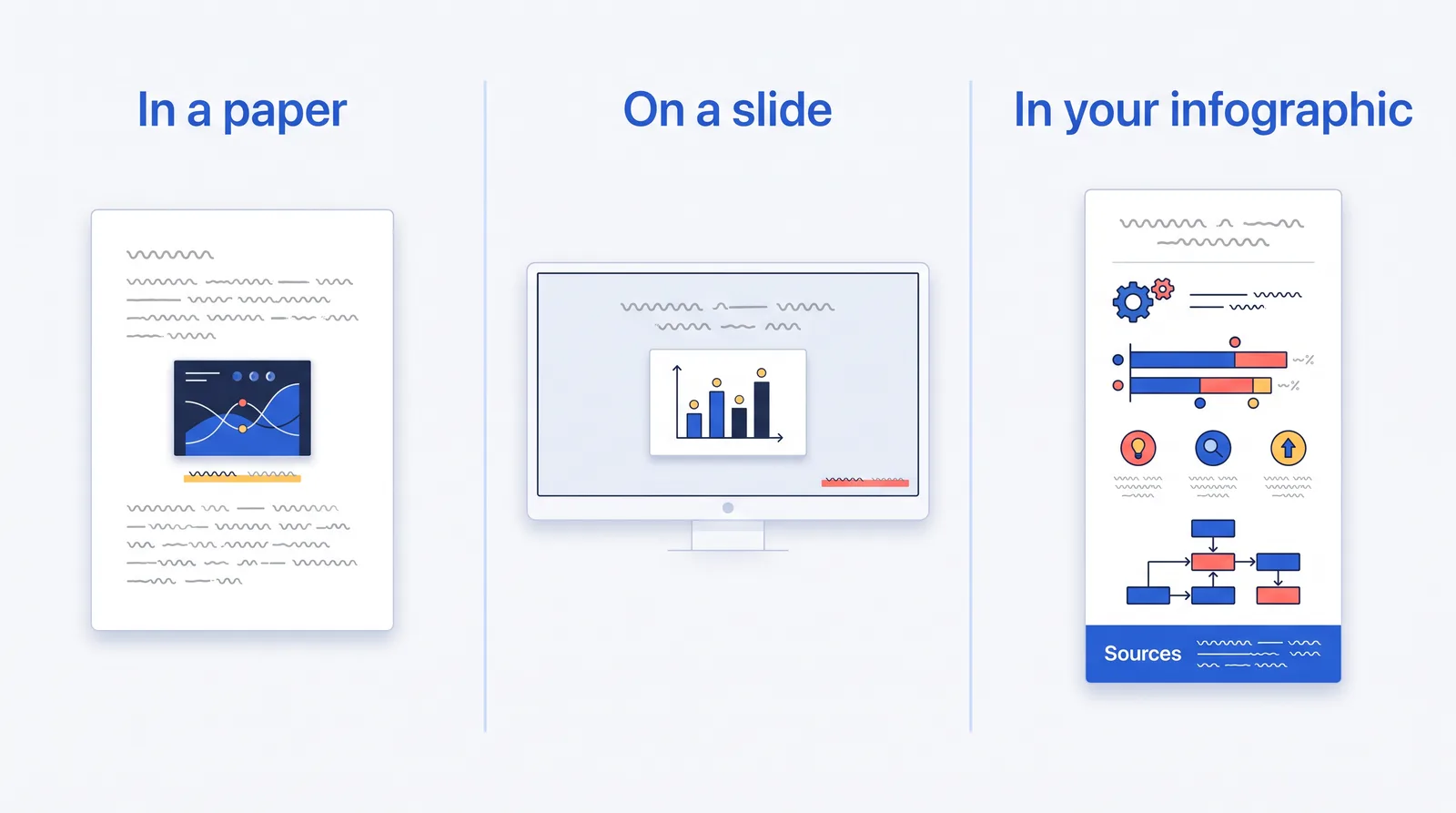
| Your situation | What to do |
|---|---|
| You use a fact or number from an infographic | Add an in-text citation and a full entry in your reference list. |
| You paste the infographic into your paper or slides | Add a caption or figure note that credits the source. Check whether you need permission. |
| You redraw or change a chart | Start the credit with “Adapted from,” then cite the original. |
| You build an infographic from outside research | Add a Sources block that lists each source. |
| You use photos or icons you didn’t make | Follow the license. Add a credit if it asks for one. |
| The infographic is a PDF | Cite the PDF file itself. |
| It has no author, date, or title | Use the missing-information table later in this guide. |
A citation tells readers where something came from. It doesn’t give you the right to reuse it. Copyright infringement means using someone’s protected work without permission, and a footnote won’t fix that.
“Citing your work appropriately may absolve you of plagiarism concerns, but citation does not guard against claims of copyright infringement,” writes Stephen Wolfson, copyright advisor at Penn Libraries. Before you reuse a whole graphic, check its license or ask the creator.
Cite an Infographic in APA 7
APA treats an infographic as a visual work. You list the creator, the date, the title in italics, the label [Infographic], the site name, and the URL.
APA Reference List Format
Author, A. A., or Group Name. (Year, Month Day). Title of infographic [Infographic]. Site Name. URL
Write the title in sentence case. That means you capitalize only the first word and proper nouns. Leave out the site name when it matches the author, as Augusta University’s APA guide explains.
APA Example
Centers for Disease Control and Prevention. (2026, January 21). Infection control for respiratory viruses infographic [Infographic]. https://www.cdc.gov/project-firstline/hcp/training/infographic-respiratory-ic.html
The CDC made the infographic and runs the site, so the site name drops out. Keep it when they differ:
Lo, I. (2016, May 3). Asthma symptom recognition [Infographic]. Behance. http://www.behance.net/gallery/36728473/Infographic-Asthma-Symptom-Recognition
APA In-Text Citation Examples
Spell out a group name the first time, then switch to its abbreviation.
First parenthetical: (Centers for Disease Control and Prevention [CDC], 2026) Later: (CDC, 2026) Narrative: Centers for Disease Control and Prevention (CDC, 2026)
APA Format When Information Is Missing
No author? Move the title to the front. No date? Use (n.d.), short for “no date.” The table near the end covers other gaps.
Title of infographic [Infographic]. (n.d.). Site Name. URL
Cite an Infographic in MLA 9
MLA builds every citation from the same core pieces. For an online infographic, the key idea is the container: the website that holds the infographic.
MLA Works Cited Format
Last Name, First Name. “Title of Infographic.” Website Name, Publisher, Day Month Year, URL.
Skip the publisher when it matches the website name. When an organization made and published the infographic, start with the title and skip the author, MLA says.
MLA Example
Brumberg, Robby. “Infographic: Google’s Top 100 Keywords.” Ragan’s PR Daily, 19 July 2018, www.prdaily.com/Main/Articles/Infographic_Googles_top_100_keywords_24740.aspx.
MLA In-Text Citation Examples
Use the author’s last name. Infographics have no page numbers, so leave those out.
(Brumberg)
If your entry starts with a title, use a shortened title so the two match.
(“Short Title”)
MLA Format with No Author or Date
MLA skips placeholders. The MLA Style Center says: “Do not use placeholders for unknown information like n.d. (‘no date’) and n. pag. (‘no pagination’) unless your teacher asks you to do so.” MLA suggests an access date instead.
“Title of Infographic.” Website Name, URL. Accessed 14 Sept. 2026.
Cite an Infographic in Chicago Style
Chicago has two systems. Notes-bibliography uses numbered footnotes and a bibliography. Author-date uses short citations such as (Google 2023). The templates below use notes-bibliography.
The 18th edition, released in 2024, is current. It has no infographic rule, so these templates follow Chicago’s web page format.
Chicago Bibliography Format
Author Last Name, First Name. “Title of Infographic.” Website Name. Month Day, Year. URL.
Chicago Bibliography Example
Centers for Disease Control and Prevention. “Infection Control for Respiratory Viruses Infographic.” Project Firstline. January 21, 2026. https://www.cdc.gov/project-firstline/hcp/training/infographic-respiratory-ic.html.
Chicago Footnote Example
Footnotes use commas where the bibliography uses periods. After the first full note, switch to the short form in note 2.
1. Centers for Disease Control and Prevention, “Infection Control for Respiratory Viruses Infographic,” Project Firstline, January 21, 2026, https://www.cdc.gov/project-firstline/hcp/training/infographic-respiratory-ic.html.
2. Centers for Disease Control and Prevention, “Infection Control.”
Chicago Format with No Date
Chicago requires an access date when a page shows no publication or revision date.
Organization Name. “Title of Infographic.” Website Name. Accessed September 14, 2026. URL.
Add In-Text Citations for an Infographic
Add an in-text citation whenever you quote, paraphrase, or summarize an infographic. To paraphrase means to restate an idea in your own words.
| Style | Format | Example |
|---|---|---|
| APA | Author, year | (Centers for Disease Control and Prevention [CDC], 2026), then (CDC, 2026) |
| MLA | Author or short title | (Brumberg) or (“Short Title”) |
| Chicago | Footnote number | The CDC infographic lists ways to stop the spread of respiratory viruses.¹ |
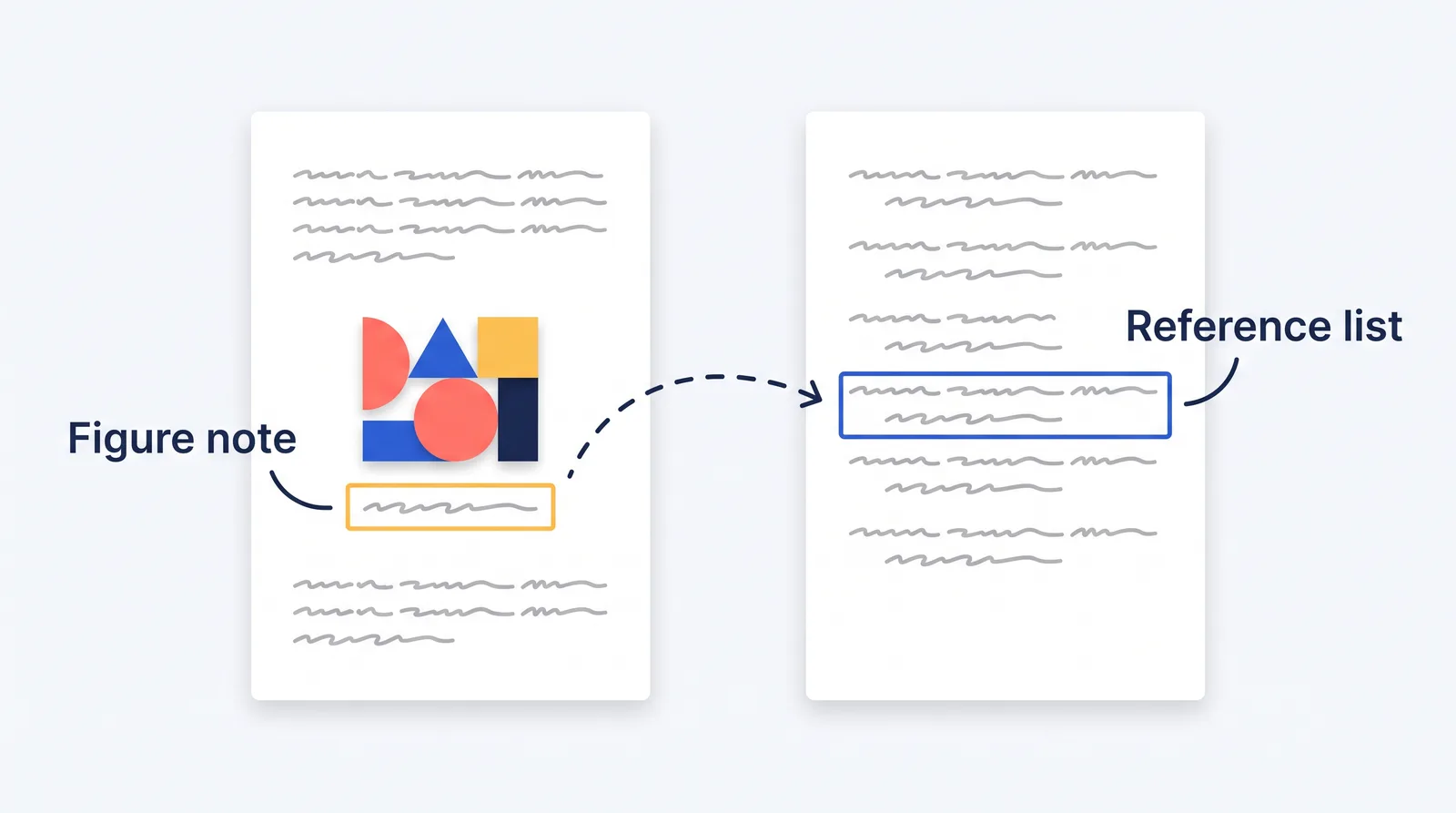
If you paste the infographic into your paper, the credit moves under the image. In APA, write a figure note that starts with “From” for an exact copy or “Adapted from” for a changed version. The note replaces the in-text citation, but you still add a reference entry, APA’s clip art guidance says.
Note. From Title of Infographic, by Author, Year, Site Name (URL). Copyright Year by Copyright Holder.
In MLA, label the image “Fig. 1.” and give the source in the caption, as the MLA Style Center shows.
Cite Sources Inside an Infographic You Created
When you make an infographic, cite what went into it, not just the finished design.
APA, MLA, and Chicago set no rules for credits inside a design. So use the style your class requires, and put the credits where readers can find them.
Put Sources Where Readers Can Find Them
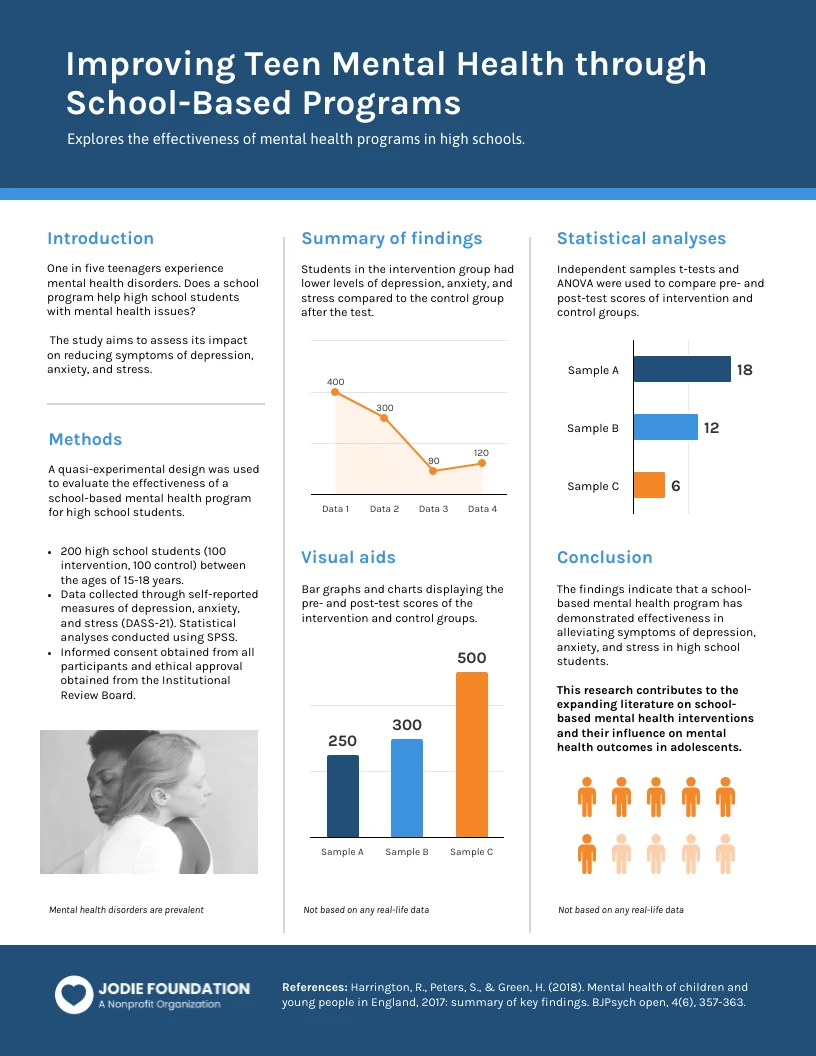
Add a Sources block at the bottom or on a final panel. Put image credits on their own Image Credits line. For a digital infographic, link each source. For print, give full references or attach a separate reference page.
Keep the text big enough to read, and add alt text when you post an infographic online. Alt text is a short written description that screen readers read aloud. Many sites skip it: WebAIM found images missing alt text on 53.1% of the top one million home pages in 2026.
For a detailed graphic, the W3C recommends two parts: a short description plus a longer text version of the key information.
Cite These Items Inside an Infographic
Credit statistics, research findings, quotes, charts, tables, maps, screenshots, photos, icons, illustrations, data sets, and reports. If you used AI to make a visual, check your course or platform policy. APA, MLA, and Chicago each publish guidance on citing AI tools.
Example Source Note for an Infographic
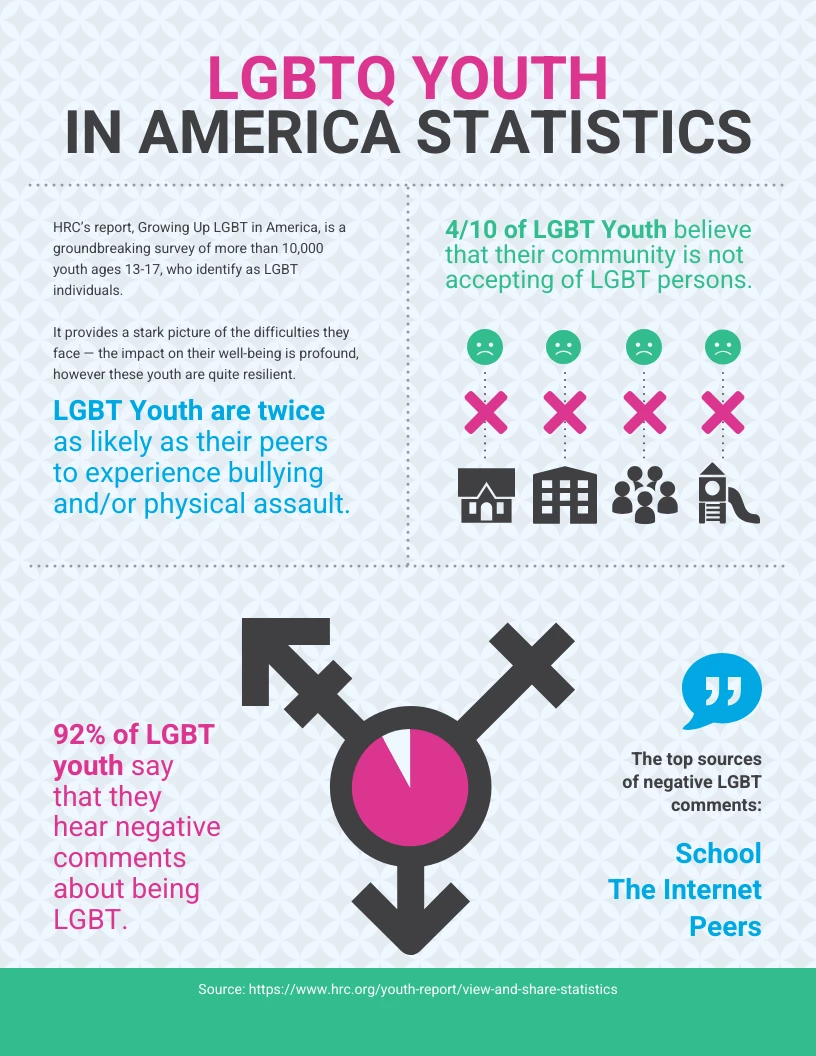
Put a small number next to each statistic in your design. Then match it in the footer.
Sources: [1] Centers for Disease Control and Prevention, “Infection Control for Respiratory Viruses Infographic,” January 21, 2026, https://www.cdc.gov/project-firstline/hcp/training/infographic-respiratory-ic.html; [2] World Health Organization, “Mental Health at Work,” fact sheet, September 2, 2024, https://www.who.int/news-room/fact-sheets/detail/mental-health-at-work.
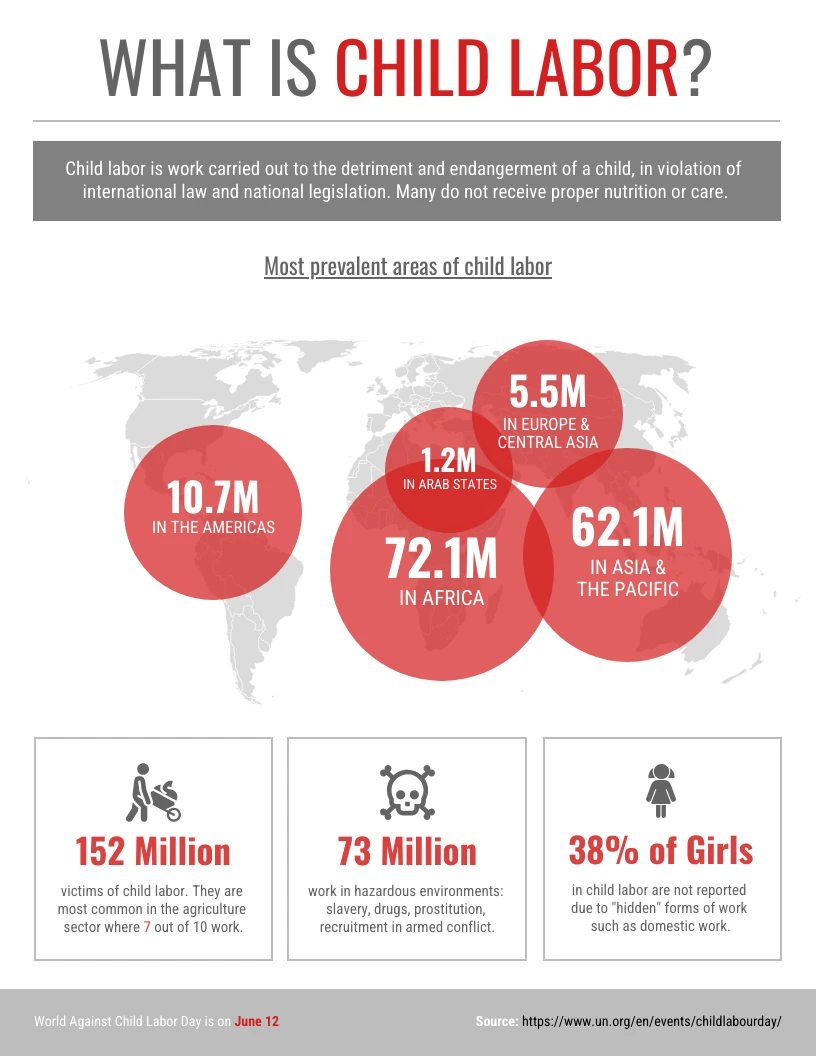
Track Sources Before You Design
Start with a research document. Next to each statistic, save the source title, URL, and page or table number. Keep image and icon license notes in the same file. Before you finish, delete any source you didn’t use.
Credit Images, Icons, Charts, and Visual Assets
Credit any image, icon, or chart you didn’t create, unless its license says you don’t have to. A license is the set of rules an owner attaches to their work.
For Creative Commons images, remember TASL: Title, Author, Source, License. “Whenever you are reusing CC licensed works, we recommend that the attribution include the Title, Author, Source, and License,” Creative Commons says. Every Creative Commons license requires attribution. CC0, the “no rights reserved” option, carries no legal credit requirement.
“Image by” is a plain credit. “Adapted from” tells readers you changed the visual. “Source” points to the data behind a chart.
Simple Image Credit Format
Creative Commons image:
“Title” by Creator Name is licensed under CC BY 4.0.
Free Noun Project icon:
“Icon Name” by Creator Name from Noun Project (CC BY 3.0)
Image you changed:
Adapted from “Title” by Creator Name, Website Name, URL.
A decorative icon may not need a formal academic citation. Its license may still require a credit line.
When You Do Not Need a Citation
You don’t need a credit for photos, charts, or images you made yourself. APA says built-in Microsoft Office images “can be used without attribution,” according to its clip art guidance. The same page says stock images with a no-attribution license need no citation.
Design tools like Canva set their own terms. Read the license, and check your assignment rules too.
Cite an Infographic PDF
If the infographic is a PDF, cite the PDF file. If the PDF reads more like a report with a few graphics, cite it as a report instead.
APA PDF Infographic Format
Organization Name. (Year). Title of infographic [Infographic]. URL
APA’s own reference examples use this exact pattern:
American Psychological Association. (n.d.). Data sharing [Infographic]. https://www.apa.org/pubs/journals/data-sharing-infographic.pdf
MLA PDF Infographic Format
MLA says a PDF you link to directly can stand alone, without the website as a container, according to the MLA Style Center.
Title of Infographic. Publisher, Day Month Year, URL.
If you downloaded the PDF from a web page, name the site and add “PDF download” at the end.
Title of Infographic. Publisher, Year. Website Name, URL. PDF download.
Chicago PDF Infographic Format
Organization Name. “Title of Infographic.” Website Name. Month Day, Year. URL.
Add an access date if the PDF shows no date. When you quote one page of a longer PDF, add the page number to your citation.
Fix Missing Author, Date, Title, or URL
Never invent a missing detail. First, hunt for clues on the page title, the logo on the graphic, the file name, the alt text, and the page around it. Then use this table.
| Missing | APA 7 | MLA 9 | Chicago |
|---|---|---|---|
| Author | Start with the title | Start with the title | Start with the title |
| Date | Use (n.d.) | Leave it out; an access date is optional but helps | Add an access date |
| Title | Add a short description in square brackets | Add a short description, with no quotes or italics | Add a short description |
| URL, and you can’t find the work online | Cite it as a personal communication or find another source | Describe the source, such as a printed poster | Describe the source in your text or a note |
| Author matches the website | Drop the site name | Start with the title and drop the publisher | List the organization as author |
APA’s rules come from Table 9.1 of its manual.
Always follow your instructor, publisher, or organization’s required style guide first.
Use This Infographic Citation Checklist
Run through this list before you submit or publish:
- Pick your style: APA 7, MLA 9, Chicago 18, or another.
- Find the creator or organization.
- Copy the exact title.
- Record the date, or use your style’s missing-date rule.
- Record the website, publisher, or platform.
- Save the URL or DOI, and click it to make sure it works.
- Add an in-text citation wherever you discuss the infographic.
- Add a caption or figure note if you pasted or changed it.
- Cite your sources if you made the infographic.
- Add image and icon credits that the licenses require.
- Check whether your style needs an access date.
- Confirm your instructor, publisher, or organization’s rules.
FAQ About Infographic Citations
How do I cite an infographic in MLA?
List the creator, the title, the website, the publisher if it differs, the date, and the URL.
Last Name, First Name. “Title of Infographic.” Website Name, Publisher, Day Month Year, URL.
If no author appears, or an organization made and published it, start with the title.
Do you have to cite images in an infographic?
Yes, for photos, icons, charts, and illustrations you didn’t create, unless the license says you don’t need to. Creative Commons images always need credit, except CC0. Stock images and built-in design assets follow their own license terms.
How do I cite the source of an image?
Include the creator, the title or a short description, the website, the date if shown, and the URL. If you changed the image, start with “Adapted from.”
How do you reference sources in an infographic?
Add a Sources, References, or Image Credits section at the bottom or on a final panel. For school work, format each entry in the style your class requires.
Do infographics need citations?
Yes, when they include outside research, statistics, quotes, charts, data, images, or icons. You don’t need to cite common knowledge or data you collected yourself. For your own data, briefly explain how you gathered it.
Can I use an infographic citation generator?
Yes, as a first draft. Then check the author, title, date, website, URL, and style rules yourself. The MLA Style Center calls generator results “starting points and not as final products,” in its guidance on citation tools.
AI tools can be worse. In a 2025 study, GPT-4o made up about 1 in 5 of its citations, and only about 44% were both real and fully correct. The templates in this guide work as a manual citation builder you can check line by line.